The Fathom MCP integration with LoopBridge allows technical teams to access structured, AI-enriched meeting data directly from Fathom.ai — transforming call summaries into usable building blocks for internal agents, models, and decision systems.
If you’re already using Fathom.ai to capture customer conversations, this integration gives you programmatic access to those insights via a secure, standardized API.
What Is the MCP Server?
The MCP (Machine-Consumable Payload) server is a dedicated API endpoint provided by LoopBridge for each tenant. It gives your internal tools direct access to all processed Fathom interactions—normalized, tagged, and ready for downstream use.
Once Fathom is connected, LoopBridge ingests and enriches each call summary with structured metadata, such as:
-
Customer and participant normalization
-
Categorized topics extracted from the conversation
-
AI-generated summaries and key insight tags
-
Time and source attribution
-
Annotations such as churn risk, feature requests, or upsell opportunities
All this data is exposed in a consistent format, so internal systems can consume it reliably without additional processing.
How Teams Use Fathom MCP?
The Fathom MCP integration is especially powerful for teams building internal products that rely on real customer context, such as:
-
Internal LLM agents that answer questions based on past conversations
-
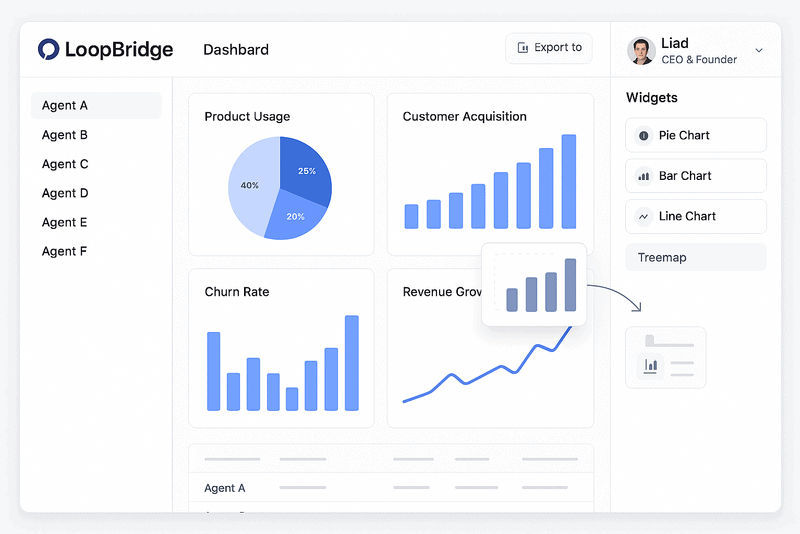
Product analytics dashboards that surface top customer pain points
-
Churn prediction models that incorporate qualitative sentiment data
-
Feedback-to-roadmap systems that align product planning with real customer input
-
Workflow automation tools that trigger actions based on live meeting intelligence
Because LoopBridge applies normalization and enrichment layers, teams don’t need to parse raw transcripts or create custom parsing logic—everything is ready to use.
Deployment and Access to Fathom MCP server
Each LoopBridge tenant receives secure access credentials for their MCP endpoint. Once the Fathom integration is connected, the endpoint automatically begins surfacing interaction data. The endpoint can be queried periodically or integrated into your streaming pipeline, depending on your internal architecture.
Authentication is token-based, and filtering by source (e.g., “fathom”) or date range is supported for flexibility.
Unified Interaction Layer
LoopBridge is designed to consolidate insights from multiple sources. In addition to Fathom.ai, the MCP server also supports Intercom chat history
Each source follows a consistent schema, so teams can unify insights across meetings, emails, and live chat—all in one API feed.
Getting Started
The Fathom MCP integration can be activated in minutes via the LoopBridge dashboard. Once connected, your team can immediately begin consuming structured, AI-enriched customer conversation data.
If you’d like access to your tenant’s MCP credentials, documentation, or sample payloads, contact us here.