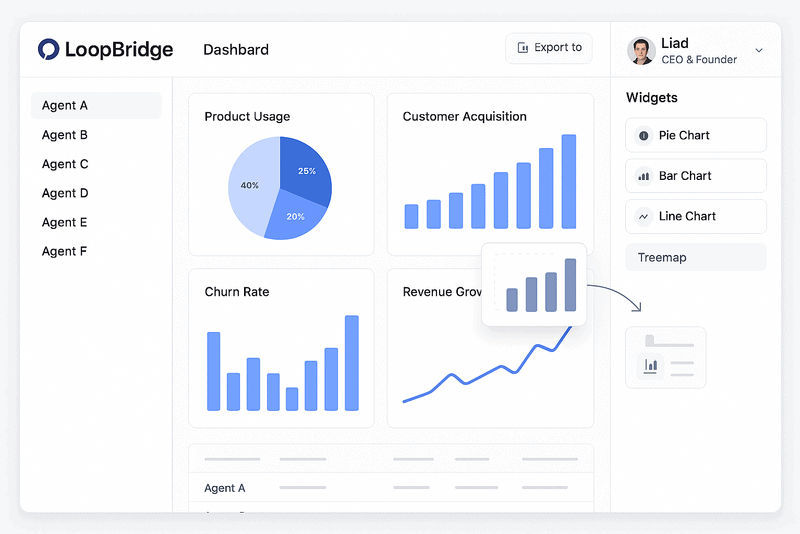
At LoopBridge, we aim to help SaaS teams turn customer interactions into valuable insights. For example, our new integration with Intercom via its API, combined with LoopBridge’s MCP (Model Context Protocol) server, makes this easier than ever. By connecting Intercom’s platform to LoopBridge, you can analyze conversations and boost product innovation. Here’s how it works and why it matters.
Why Choose Intercom API and LoopBridge MCP Server?
Intercom excels at customer engagement with live chat and messaging. However, processing this data at scale can be tough. Therefore, LoopBridge uses Intercom’s API to pull conversations into our platform. Then, our MCP server turns them into clear insights. This setup offers key benefits:
- Analyze Conversations Quickly: Spot pain points and trends in Intercom chats.
- Simplify Integrations: The MCP server shares data with other tools easily.
- Speed Up Decisions: Convert raw data into insights without extra work.
As a result, every conversation becomes a step toward better products.
Key Benefits of the Intercom API and MCP Server Integration
Let’s explore what this integration delivers:
- Real-Time Insights
For instance, LoopBridge’s AI processes Intercom chats instantly via the MCP server. It flags issues or opportunities, like feature requests, saving time. - Smooth Data Sync
The Intercom API brings chats and user details to LoopBridge. Consequently, your team sees feedback in one place, no tool-switching needed. - Flexible MCP Server
Moreover, the MCP server formats insights for easy use in CRMs or analytics tools. This keeps your tech stack connected. - Spot Opportunities Early
LoopBridge highlights patterns, like pricing questions or feature excitement. Thus, you can act fast to retain or upsell customers. - Personalized Engagement
Since 80% of customers want tailored replies, LoopBridge suggests responses based on Intercom data. This drives loyalty.
In short, these features make customer data actionable.
How to Set Up Intercom API with LoopBridge’s MCP Server
Setting up is quick. Follow these steps:
- Go to LoopBridge Integrations
Log in and find the Integrations tab in settings. - Link Intercom API
Choose Intercom and enter your API key to connect. - Set MCP Server Options
Pick data to sync, like chats or tags, and add preferences, such as keyword alerts. - Test the MCP Server
Finally, check insights in your dashboard or test data output with another tool.
Done! Your chats now power real-time insights.
Real-World Impact
Imagine a customer asking about a feature on Intercom. For example, LoopBridge’s MCP server marks it as a trend, alerting your team. Meanwhile, positive feedback on onboarding becomes a marketing idea. Since the MCP server formats data clearly, insights flow to your CRM fast. This prevents missed opportunities.
Given that 68% of customers leave due to poor product fit, this setup keeps you aligned with their needs.
Get Started Today
The Intercom API and LoopBridge’s MCP server turn conversations into a strategic advantage. By blending Intercom’s data with our AI and flexible server, you can streamline work and build better products.